What Is an AI Girl Generator?
An AI girl generator is a web-based tool that turns a text description into a fully rendered image of a female character — no drawing skills required. You type something like "a confident girl with silver hair in a futuristic cityscape" and get a finished image in seconds.
These tools are built on large-scale image generation models trained on millions of images. They interpret natural language, recognize artistic styles, and translate your words into detailed visuals. The output is original — not copied or assembled from existing images.
GirlGenerator.app takes this further with 8 distinct art styles, from photorealistic portraits to hand-drawn anime and stylized chibi characters, all accessible without any technical setup.
How Does It Work?
At the core of any AI girl generator is text-to-image generation. You write a prompt, and a deep learning model — trained on vast datasets pairing images with captions — constructs a new image from scratch based on what you described.
The model doesn't stitch together existing pictures. It has learned the relationships between concepts — hair color, lighting, clothing, mood — and visual patterns. Ask for "a watercolor girl with auburn hair reading in a sunlit library" and it builds that scene from the ground up.
Platforms like GirlGenerator.app add practical controls on top of this: style selection, aspect ratio, and image-to-image input (upload a reference photo and the AI adapts it). Results arrive in seconds.
8 Art Styles You Can Create
GirlGenerator.app supports 8 distinct styles. The same prompt produces dramatically different results depending on which you choose.
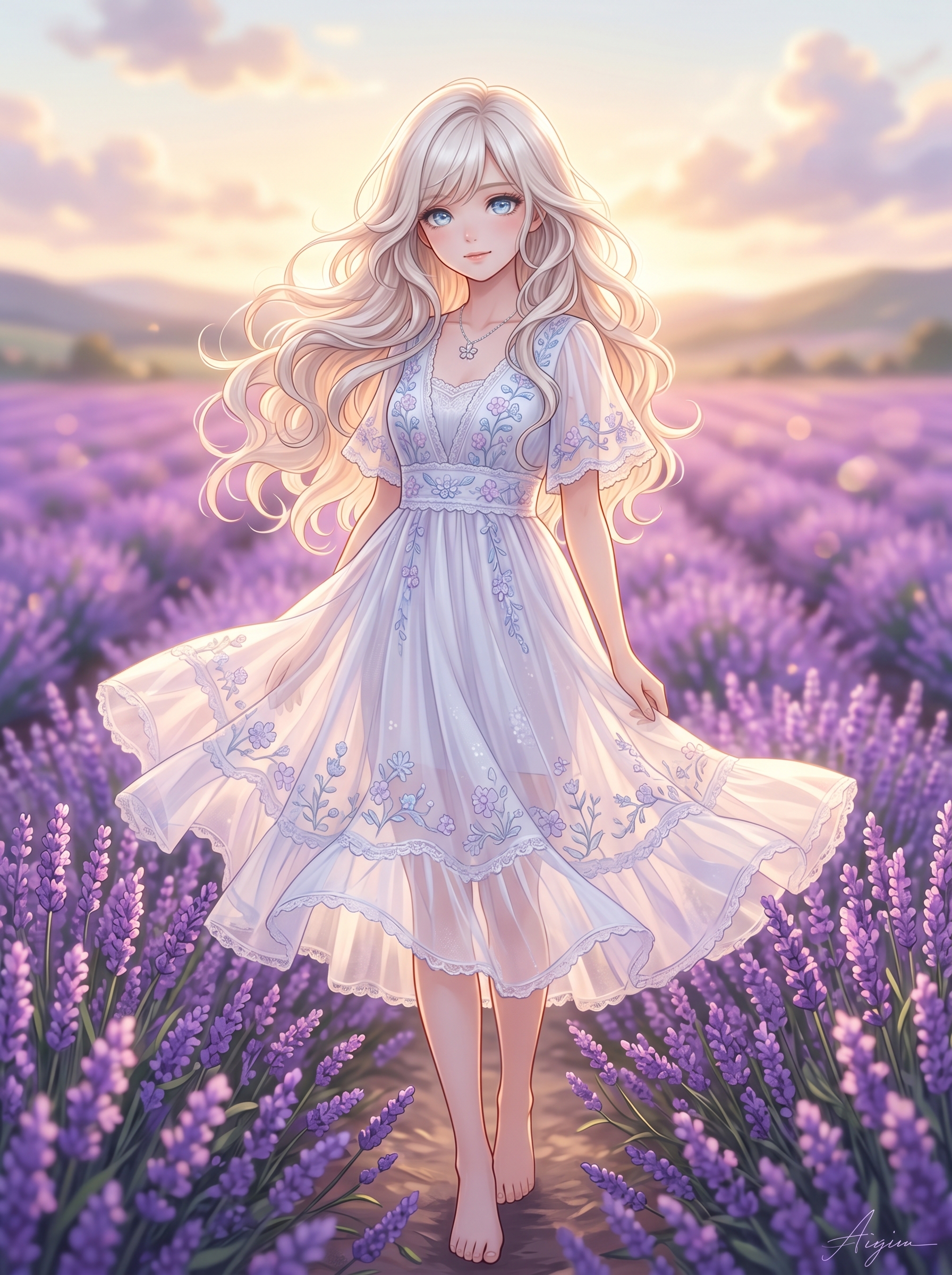
Anime — Expressive eyes, vibrant color palettes, and the cel-shaded look of Japanese animation. The most popular style on the platform — great for manga characters, visual novel heroines, and fan art. See examples at our anime girl generator showcase.
Realistic — Photorealistic portraits with natural skin tones, detailed hair, and lifelike facial features. Useful for character references, model concepts, or social media avatars. Browse the realistic girl generator showcase for examples.
Chibi — Oversized heads, small bodies, exaggerated cute expressions. Widely used in mobile games, sticker packs, and social content.
Cyberpunk — Neon-lit dystopian aesthetics with metallic accents and high-contrast lighting. Strong for sci-fi world-building and gaming assets.
3D Render — Characters that look modeled in professional 3D software: smooth surfaces, realistic lighting, cinematic depth of field.
Watercolor — Soft, painterly output with visible brushstroke textures and delicate color washes. Great for book covers, greeting cards, and artistic projects.
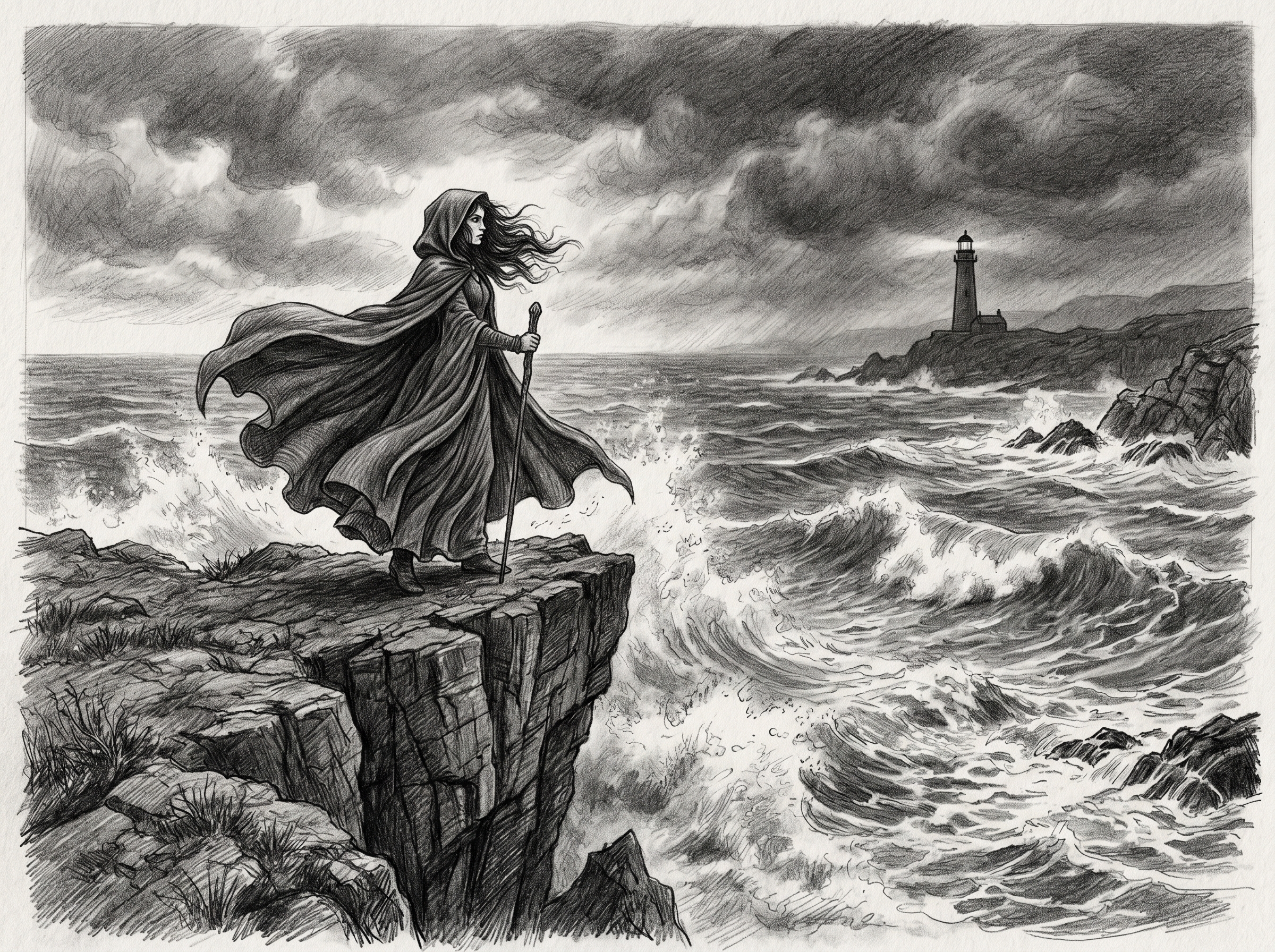
Sketch — Pencil or ink-style line art with varying stroke weights and a raw, hand-drawn feel. Useful for storyboarding and concept art.
Pixel Art — Retro-style characters in the blocky aesthetic of classic video games. Perfect for indie game development and Twitch overlays.
Every style is available on the free tier, so you can test all 8 before committing to a direction.
Who Uses AI Girl Generators?
The audience is broader than most people expect.
Content creators and streamers use AI-generated characters for YouTube thumbnails, Twitch channel art, Discord server icons, and social media profiles. Being able to produce fresh visuals on demand — without commissioning a freelance artist each time — changes how quickly they can move.
Game developers and writers use character art for rapid prototyping. Having a visual reference for each character early in development speeds up the creative process significantly. The random girl character generator is popular with writers who want to spark ideas without starting from a blank page.
Social media managers and marketing teams use stylized or illustrated characters for campaigns and branded assets — particularly when stock photography feels too generic. AI-generated images can be produced in minutes with a specific aesthetic in mind.
Hobbyists and fans make up the largest group. People who love anime, gaming, and creative work use these tools to bring original characters to life or reimagine familiar themes in new styles. The accessibility of a free starting point has opened character creation to people who previously had no path into it.
Key Features of GirlGenerator.app
- 8 art styles — anime, realistic, chibi, cyberpunk, 3D render, watercolor, sketch, and pixel art
- Text-to-image — describe any girl character in plain language and get a rendered image in seconds
- Image-to-image — upload a reference photo or sketch and transform it into your chosen style
- Fast generation — results in seconds, as fast as 10 seconds with our fastest model
- Free tier — no sign-up required to start; free credits cover all 8 styles
- Multiple aspect ratios — portrait, landscape, or square depending on your use case
- No watermarks on paid plans — clean, high-resolution outputs for professional use
Why Choose GirlGenerator.app?
A few things separate it from general-purpose image generators.
No setup required. Tools like Stable Diffusion or ComfyUI require local installation, GPU hardware, and technical configuration. GirlGenerator.app runs entirely in your browser.
Free to start, no credit card. Free credits are applied automatically when you arrive. Every style is unlocked from the beginning, so you can explore the full range before deciding whether to upgrade.
Built specifically for girl characters. General-purpose tools can generate female characters, but GirlGenerator.app's model is tuned specifically for this. The output is more consistent, the styles are more coherent, and the prompting is more forgiving.
Speed makes iteration practical. Images are ready in seconds, so you can explore 10 variations of a concept in the time it would take to sketch one by hand.
Flexible plans scale from free hobbyist use to professional and API access — without locking core features behind a paywall.
Getting Started
Creating your first image takes under a minute.
Step 1 — Open GirlGenerator.app. Go to GirlGenerator.app in any browser. No account needed. Free credits are applied automatically.
Step 2 — Write your prompt. Describe the character you want. Simple works fine: "confident detective girl in a trench coat, rainy city street". Select a style from the 8 options.
Step 3 — Generate and refine. Your image is ready in seconds. Adjust the prompt or switch styles and generate again. Iteration is fast and free credits reset regularly.
For guidance on writing more effective prompts, see how to create AI girl artwork or browse 50+ ready-made prompt ideas. To see how GirlGenerator.app compares to other platforms, check the best comparison roundup for 2026. For zero-cost options specifically, see the no-account guide.
Start generating for free — your first image is one prompt away.