Learning how to create AI girl art is faster than most people expect — results arrive in seconds once you know what you're doing. Getting to results you're actually happy with? That's where prompt writing, style selection, and iteration make the difference.
Not sure what these tools actually do? Our explainer covers the fundamentals before we get into the practical steps.
This guide walks through the full process of how to create AI girl art — from picking a tool to refining your tenth generation — with real examples and techniques that noticeably improve output quality.
Open GirlGenerator.app and follow along as you read.
Step 1: Pick the Right Tool
Your choice of platform determines style range, generation speed, and how much control you have over your AI girl art. A few things worth checking before you commit:
- Style variety — Does it support anime, realistic, cyberpunk, chibi, watercolor, sketch, pixel art, and 3D render? Or just a default look?
- Speed — Results in seconds keep your creative flow intact. Waiting long between iterations makes refinement a chore.
- Image-to-image support — Uploading a reference photo and transforming it opens up creative directions that text descriptions alone can't reach.
- Free access — The best way to evaluate a tool is to actually use it before paying.
GirlGenerator.app supports all 8 styles, delivers results in seconds, includes image-to-image, and gives you free credits on arrival — no account needed. It's the tool behind every AI girl art example in this guide. For a breakdown of how it compares to Midjourney, DALL-E 3, and others, see the best AI girl generator comparison for 2026.
Step 2: Write an Effective Prompt
The prompt is the single biggest factor in your AI girl art quality. A vague prompt produces generic results. A specific, well-structured one produces the image you actually pictured.
The Formula
Every strong prompt follows this structure:
[Subject] + [Style] + [Details] + [Mood/Lighting] + [Background]
- Subject — Who is in the image? Hair color, length, eye color, expression, clothing.
- Style — Anime, realistic, cyberpunk, chibi, watercolor, sketch, 3D render, or pixel art.
- Details — Accessories, outfit specifics, skin tone, pose, distinguishing features.
- Mood and Lighting — How the scene feels. Soft natural light, dramatic rim lighting, golden hour warmth, cool blue shadows.
- Background — Where the character is. Cherry blossom garden, urban rooftop, misty forest, futuristic cityscape.
The Difference in Practice
Vague prompt:
anime girl with blue hair
The model fills in everything you didn't specify — usually in the most generic way possible.
Specific prompt:
anime girl, long wavy blue hair, golden eyes, school uniform with white blouse and navy blazer, soft smile, gentle afternoon light, cherry blossom petals falling, shallow depth of field, pastel background
Same character intention — completely different result.
A Few More Tips
- Separate elements with commas
- Describe what you want, not what you don't (use the negative field for exclusions)
- Be specific about hair texture: wavy, straight, braided, twin tails, messy bun
- Mood adjectives carry real weight: ethereal, melancholic, fierce, playful, serene
For 50+ ready-to-copy AI girl art prompt templates organized by style, see the AI girl generator prompts guide.
Step 3: Choose Your Art Style
GirlGenerator.app has 8 styles. The same character description will look completely different depending on which you pick — choosing the right one is the fastest way to shape your AI girl art.
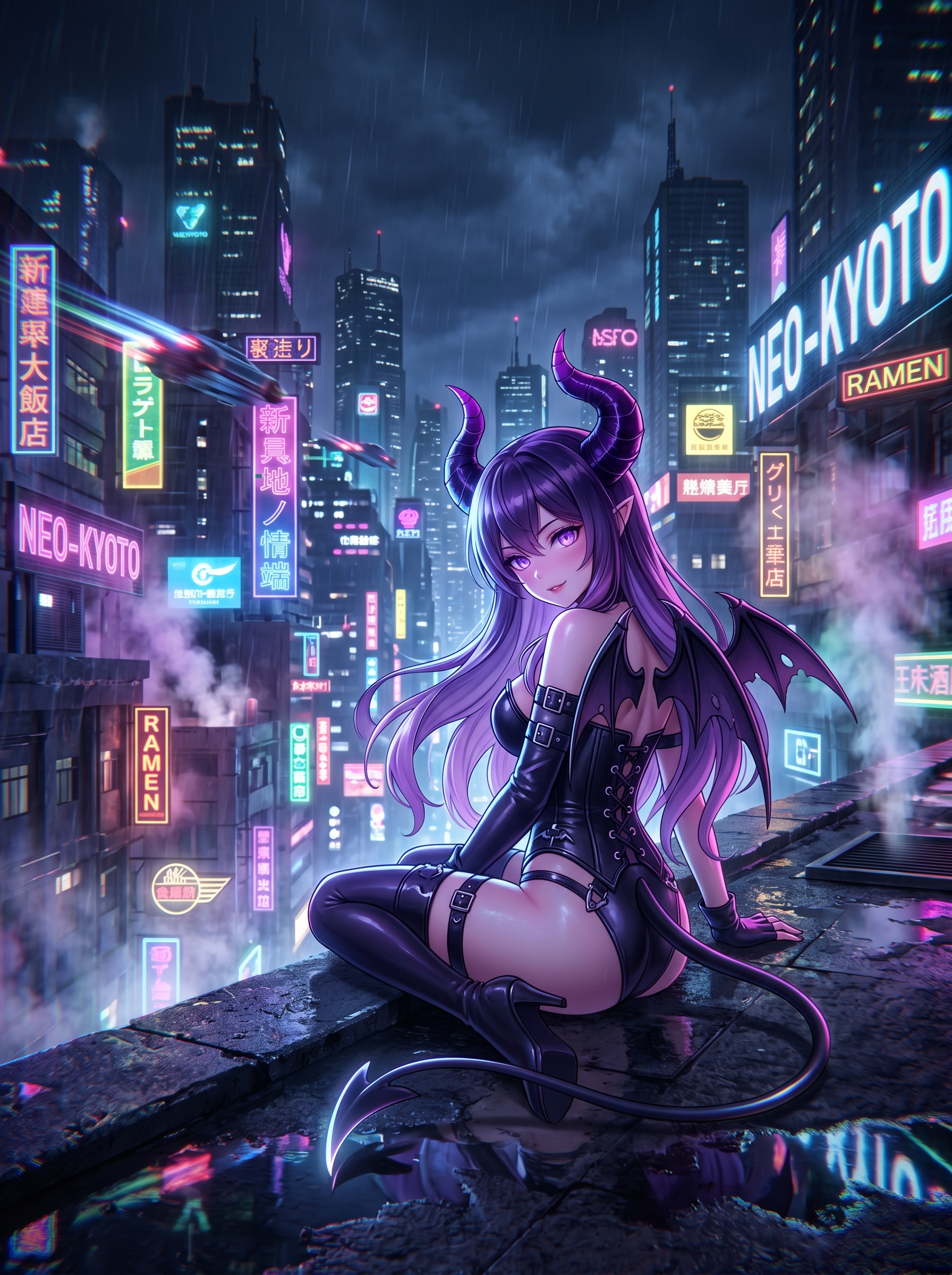
Anime — Large expressive eyes, vibrant hair colors, clean linework, cel-shaded aesthetics. The most popular style on the platform and the most forgiving for beginners — it handles vague descriptions well. Browse the anime girl generator showcase to see the range.
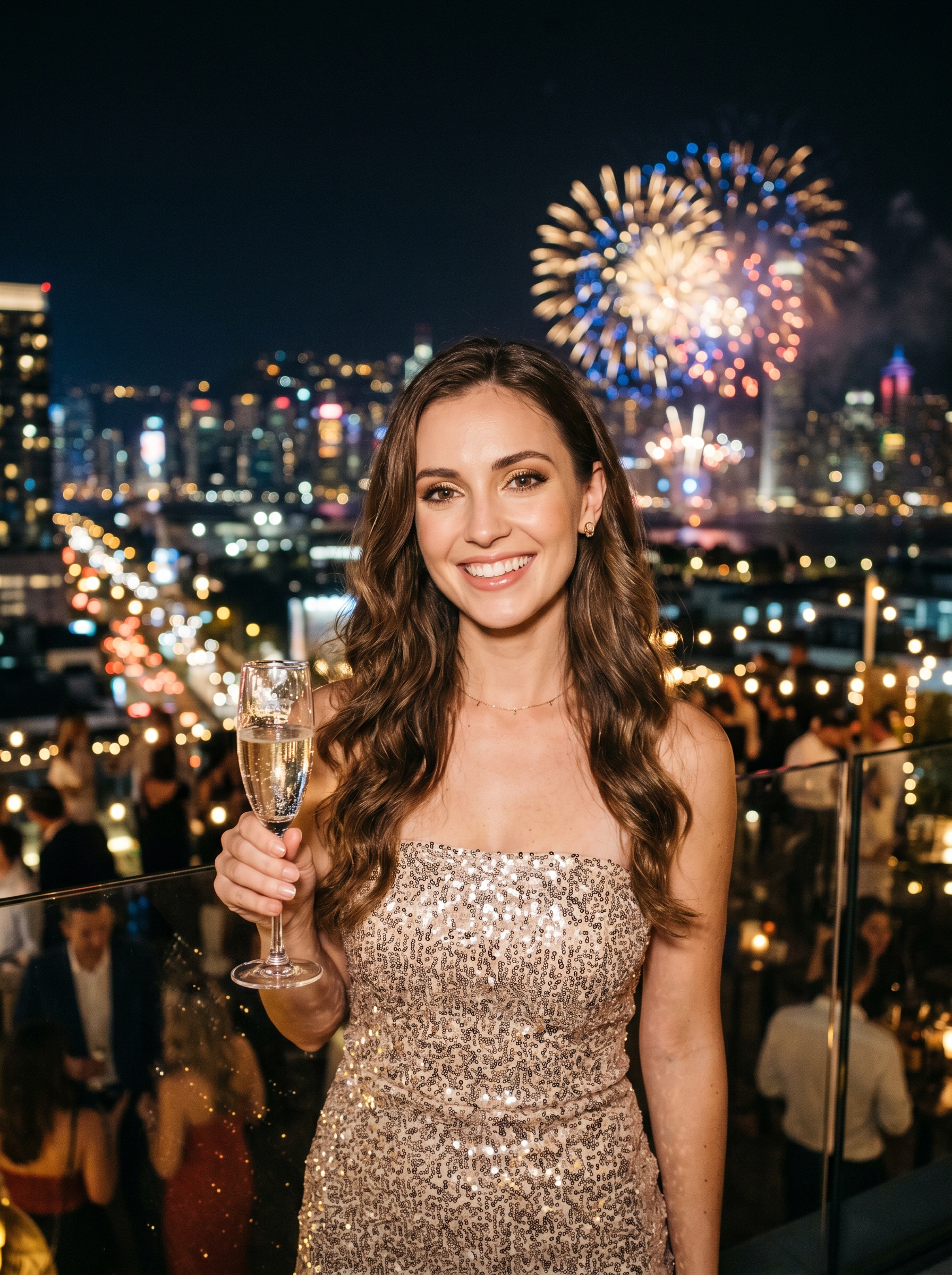
Realistic — Photographic rendering with accurate skin tones, natural lighting, and real-world proportions. The most demanding AI girl art style to use well — vague descriptions tend to produce uncanny results. Best for portrait concepts and lifestyle visuals. See examples in the realistic girl generator showcase.
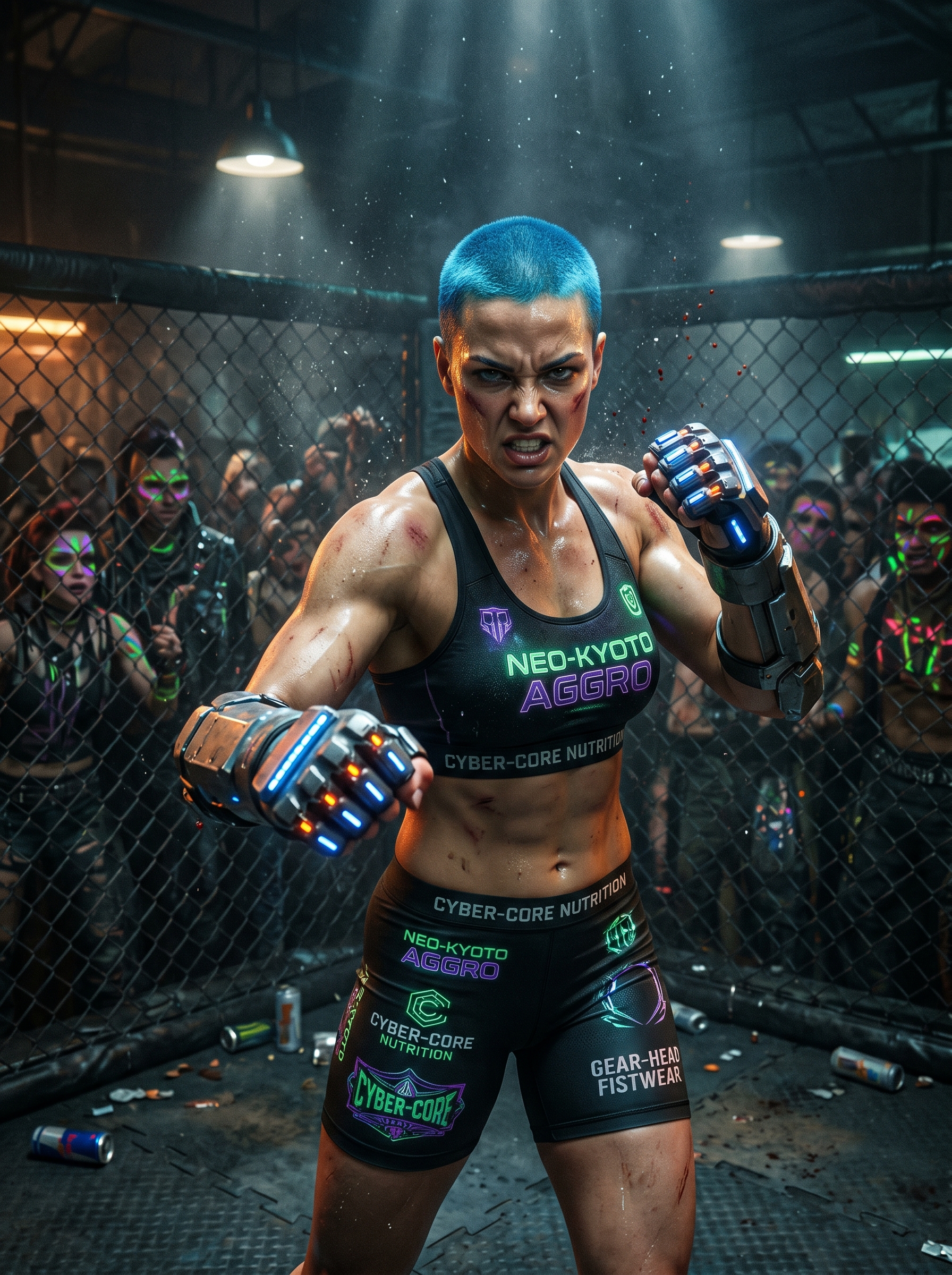
Cyberpunk — Neon palettes, futuristic cityscapes, high-contrast lighting. Strong for sci-fi characters and editorial work.
3D Render — Polished CGI-style output sitting between realism and illustration. Ideal for game assets and commercial use.
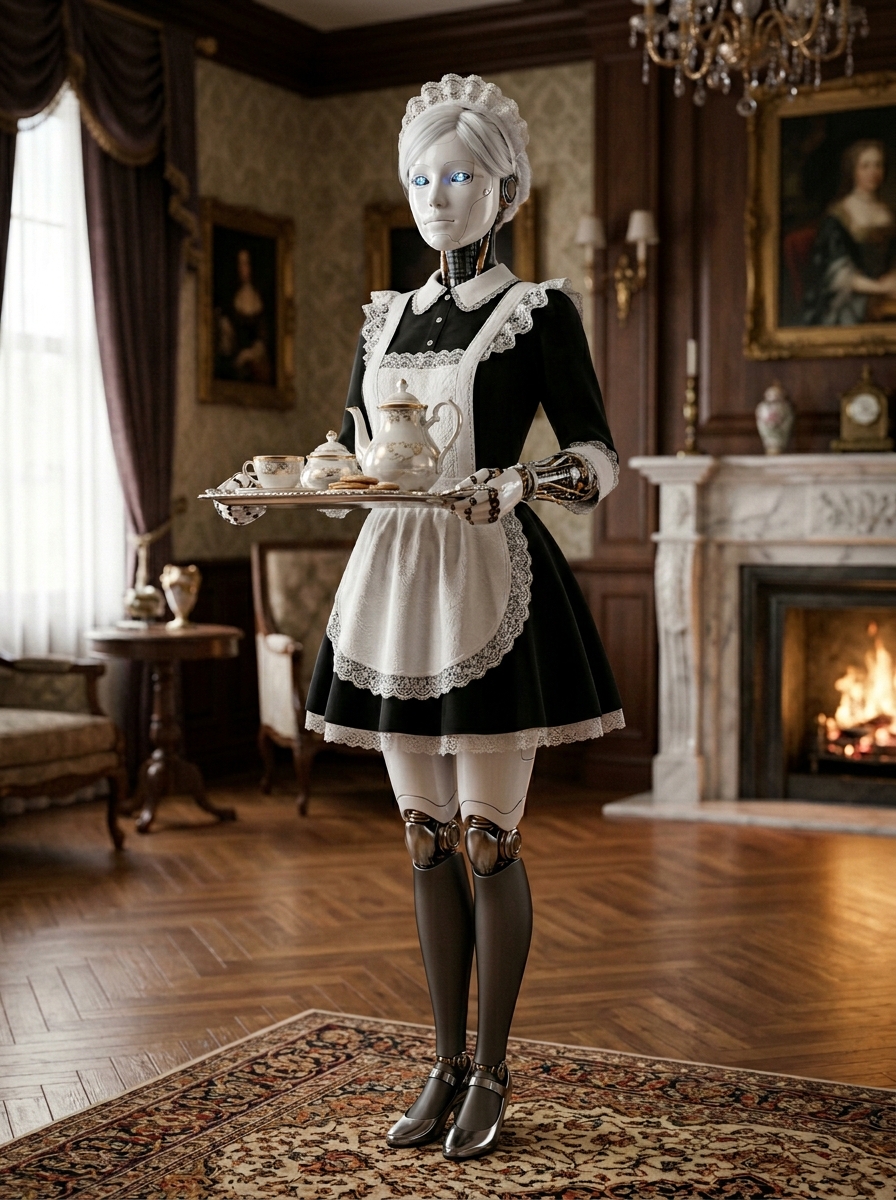
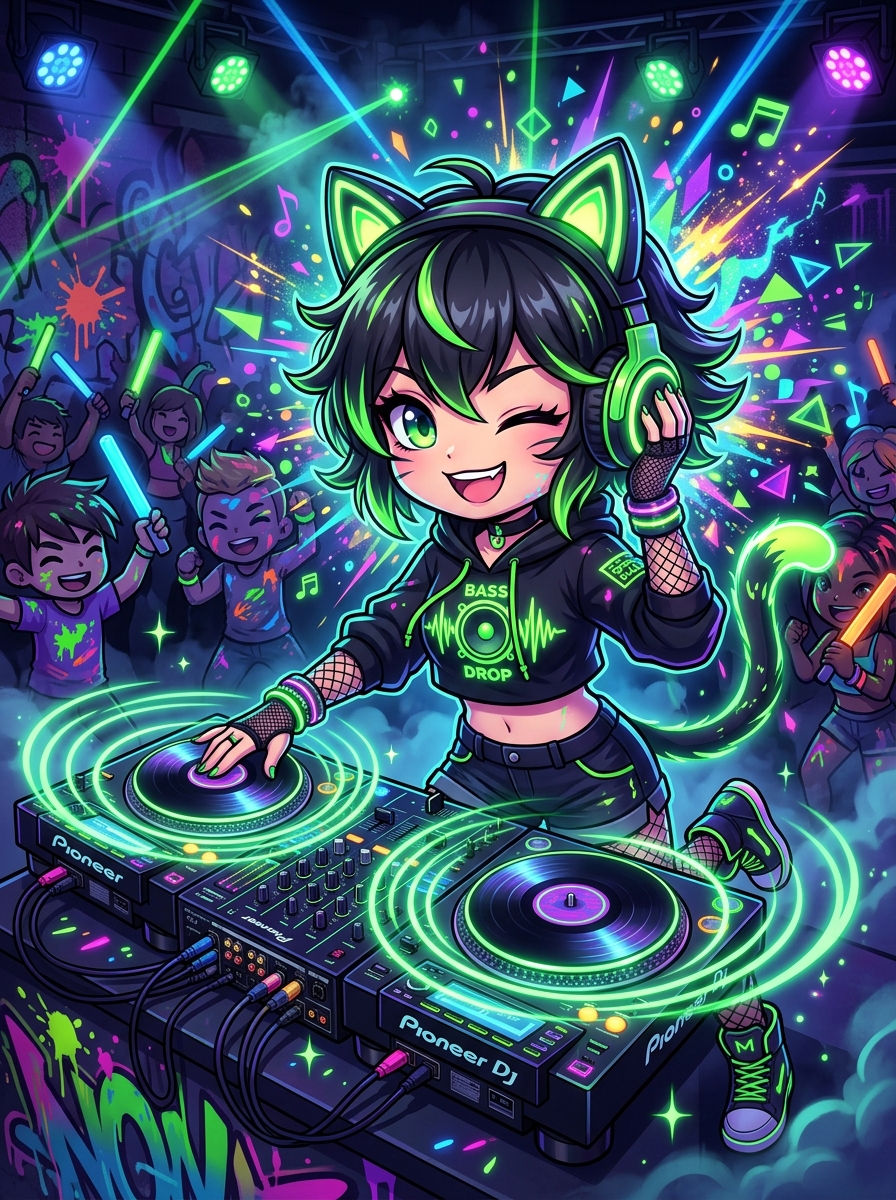
Chibi — Oversized heads, rounded proportions, exaggerated expressions. The go-to for mascots, stickers, and social content. Forgiving with simple descriptions.
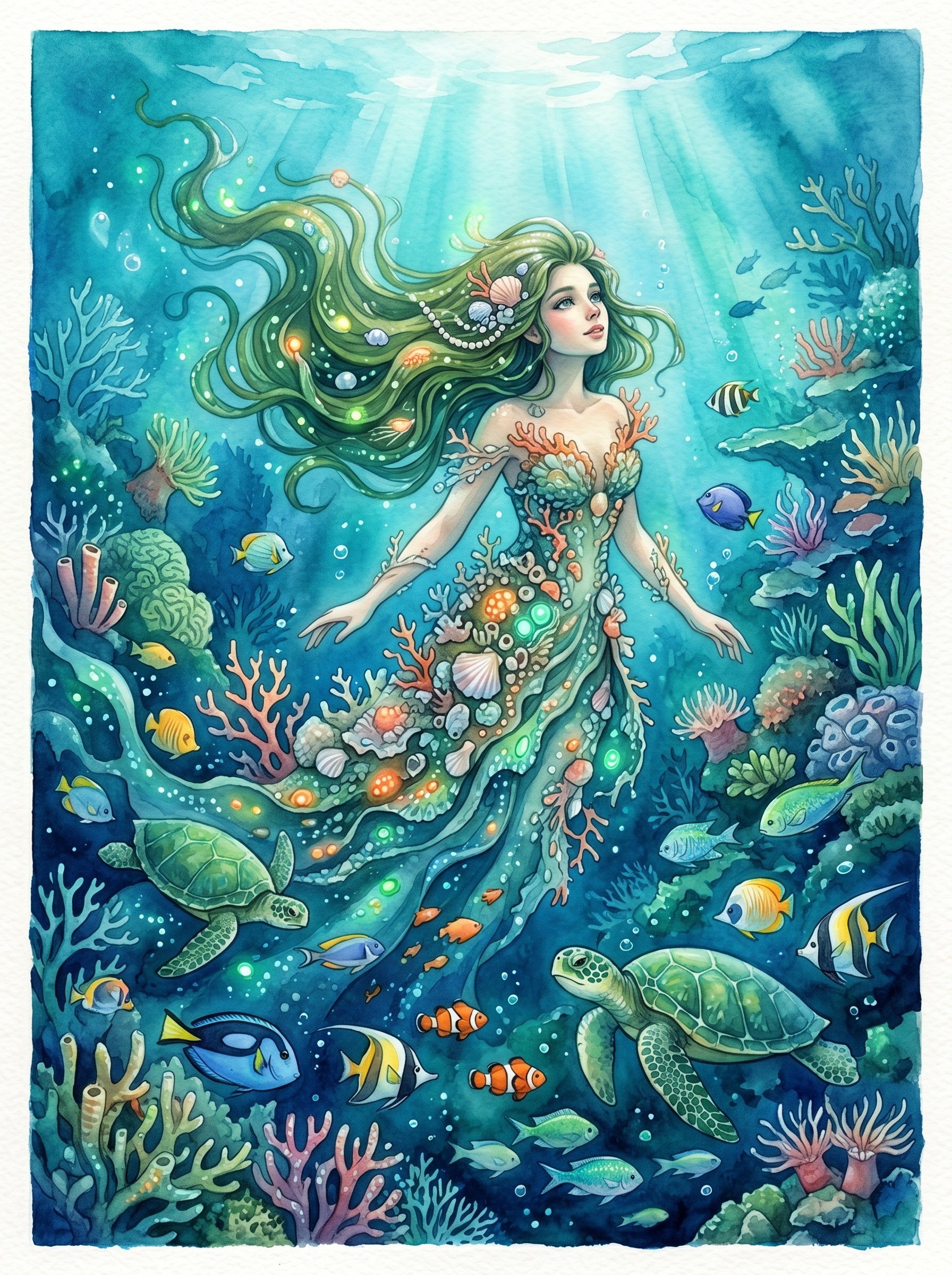
Watercolor — Soft brushstroke textures, flowing color washes, handmade feel. Great for character profile art and print projects.
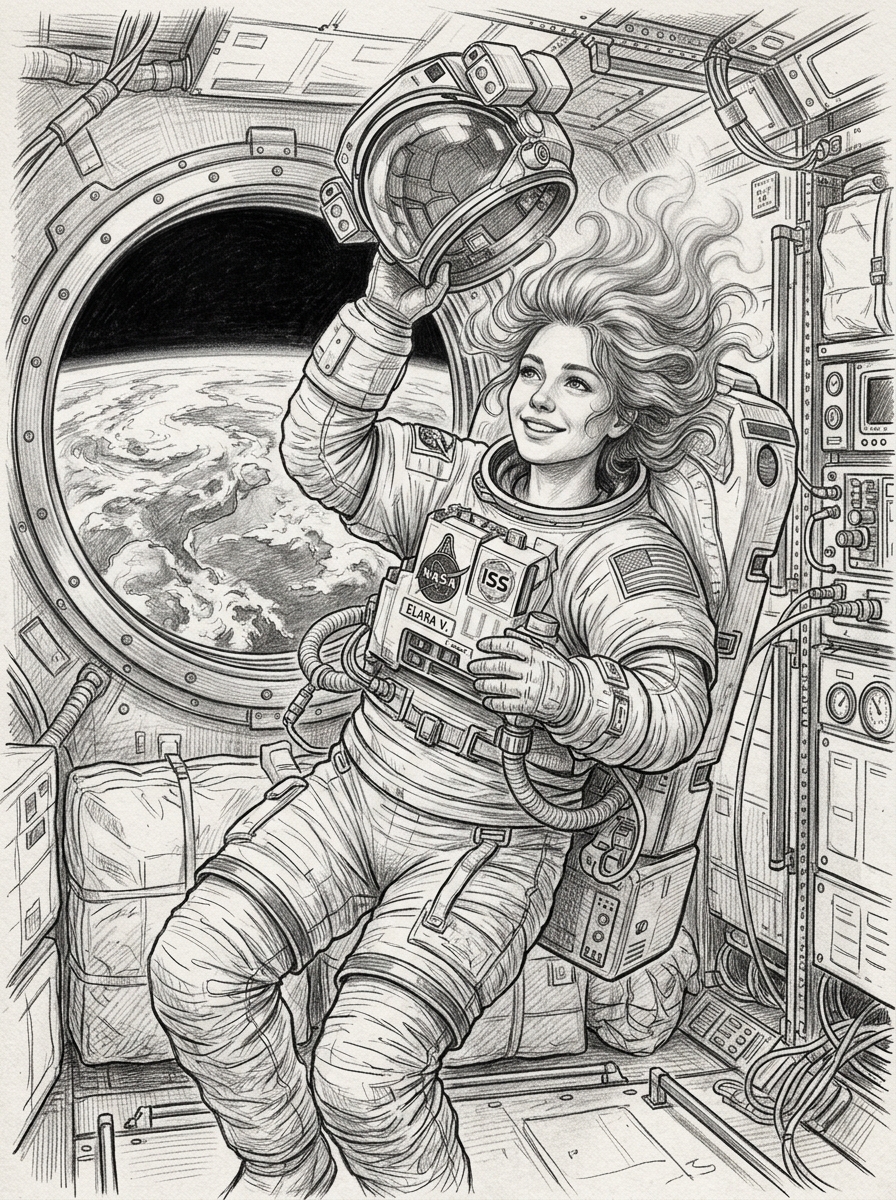
Sketch — Pencil or ink linework with minimal color. Good for concept work and comic-style references.
Pixel Art — Retro 8-bit and 16-bit aesthetics. Built for game assets, Twitch overlays, and nostalgic creative projects.
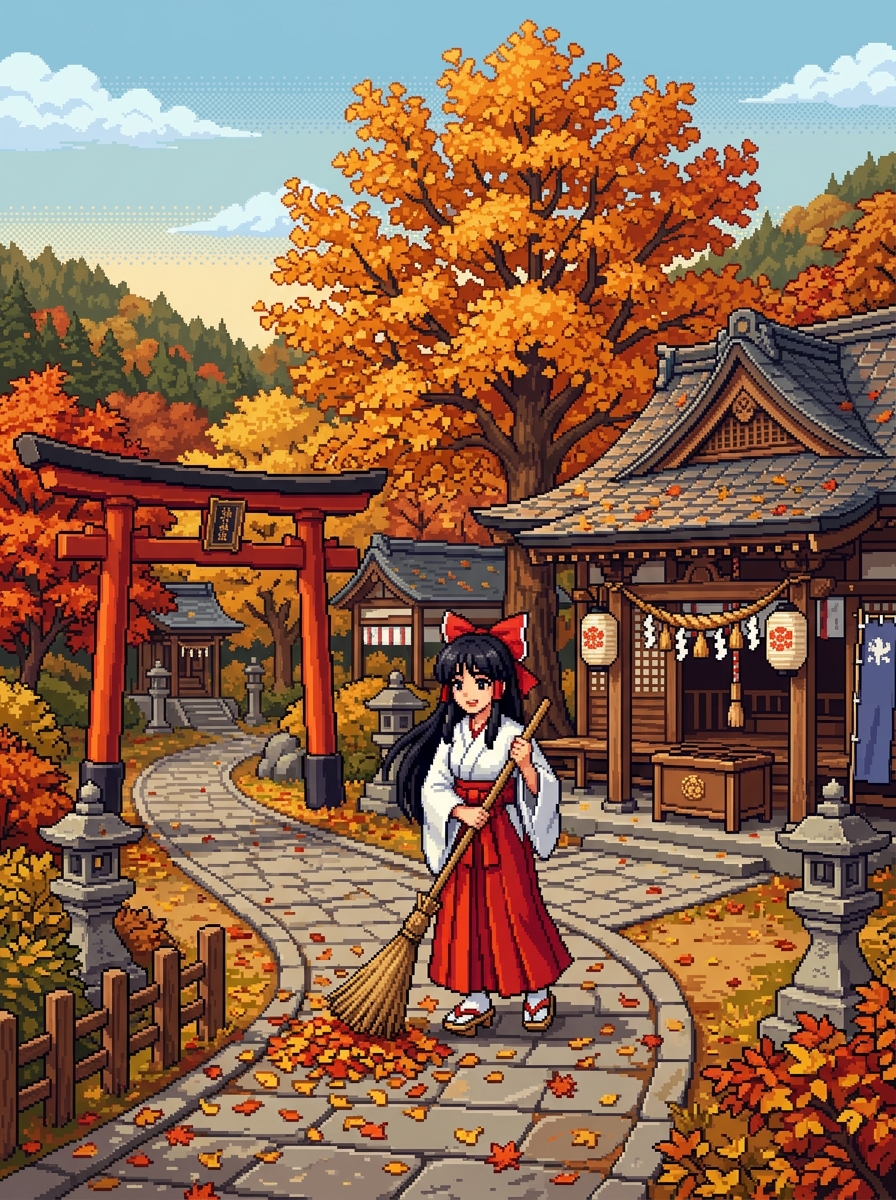
Choosing: It comes down to where your AI girl art will be used. Anime and chibi for social content and characters. Realistic for professional or commercial contexts. Cyberpunk and 3D render for game-adjacent and editorial work. Watercolor and sketch for handcrafted creative projects. Pixel art stands alone for retro aesthetics.
Step 4: Adjust Your Settings
Two settings significantly shape the output: aspect ratio and image-to-image mode.
Aspect Ratio
| Ratio | Best For |
|---|---|
| 1:1 Square | Avatars, Instagram posts, profile pictures |
| 3:4 Portrait | Single character focus, mobile wallpapers, trading cards |
| 4:3 Landscape | Banners, blog headers, horizontal layouts |
| 16:9 Widescreen | Desktop wallpapers, YouTube thumbnails, cinematic scenes |
As a rule: portrait ratios when the character is the main focus, landscape or widescreen when you want to show an environment.
Image-to-Image Mode
Upload a reference photo or existing AI girl art as a starting point. GirlGenerator.app supports two sub-modes:
- Single Edit — Upload one reference image. The model preserves the general composition, pose, and structure while applying your chosen style and character description.
- Multi Fusion — Combine multiple reference images. Useful for blending character features from different sources into a single output.
This is especially useful for:
- Applying a style to a photo of yourself or a friend
- Transforming a rough sketch into a finished illustration
- Maintaining consistent character proportions across multiple generations
- Restylizing existing character artwork
The strength slider controls how closely the output follows your reference — lower values stay closer to the original, higher values give the model more creative latitude.
Step 5: Iterate
Your first piece of AI girl art rarely nails it. That's expected — iteration is part of the process.
What to Evaluate First
When the image arrives, check three things:
- Character accuracy — Does the hair color, style, and outfit match your description? These are the elements most sensitive to what you wrote.
- Composition — Is the framing natural for the aspect ratio you chose?
- Detail quality — Check hands, eyes, and fine features. These are the areas where AI generation most often produces artifacts.
Targeted Fixes
Rather than rewriting your description entirely, adjust the specific thing that's off:
- Too generic? Add specifics: "piercing green eyes, small gold nose stud, freckles across the bridge of the nose"
- Busy background? Add "shallow depth of field, blurred background, bokeh"
- Flat lighting? Add "dramatic side lighting, golden hour warmth, rim light on hair"
- Wrong style feel? Move the style term to the very beginning — models weight earlier terms more heavily
Most creators reach AI girl art they're happy with within 3 to 5 generations. If you're stuck, try the random character generator — it generates a character image you can modify and build from.
Pro Tips
Once the basic AI girl art workflow is comfortable, these techniques make a noticeable difference.
Cinematic Lighting Terms
Lighting language from photography translates directly into better results:
- "Rembrandt lighting" — Classic portrait shadow triangles
- "Golden hour lighting" — Warm, low-angle directional sunlight
- "Rim lighting" / "backlit" — Bright edge separating the character from the background
- "Volumetric lighting" — Visible light rays through fog or dust
- "Softbox lighting" — Even, professional studio illumination
Composition Keywords
- "Close-up portrait, face fills frame" — tight headshot
- "Three-quarter view, looking over shoulder" — dynamic angle
- "Full body shot, dynamic pose" — head-to-toe
- "Dutch angle" — cinematic unease
- "Rule of thirds, character on left third" — professional framing
Mix Style Influences
You're not limited to one style. Describe what you want: "anime character with realistic skin texture and painterly lighting" or "watercolor anime portrait with impressionistic background". The model blends influences based on your language — some of the most distinctive AI girl art comes from these cross-style combinations.
Medium and Aesthetic References
Describing artistic approaches adds precision without naming specific artists: "oil painting aesthetic," "cel-shaded illustration," "pencil sketch with ink wash," "concept art for a AAA video game character."
For 50+ tested examples, see the AI girl generator prompts guide.
Frequently Asked Questions
Ready to create AI girl art? Start on GirlGenerator.app — free credits, no sign-up, first image in seconds.