Can You Really Use a Free AI Girl Generator?
Yes — and without creating an account. This free AI girl generator gives every visitor complimentary generation credits the moment they arrive. Type a character description, pick a style, and your image is ready in seconds.
The no-cost tier isn't a stripped-down demo. It unlocks all 8 art styles — anime, realistic, chibi, cyberpunk, 3D render, watercolor, sketch, and pixel art — along with text-to-image generation, multiple aspect ratios, and full image quality. Credits refresh regularly, so casual users can keep iterating without spending anything.
Start generating at no cost and see for yourself.
If the concept is new to you, read our complete breakdown of how this technology works before comparing options below.
Free AI Girl Generator Options in 2026
The free AI image generation landscape has expanded over the past two years. Here's an honest comparison of the leading options:
GirlGenerator.app — Best Free Option Overall
GirlGenerator.app is the top choice for character creation with no overhead. Credits are provided automatically on arrival — no account needed — and all 8 styles are available from session one. Results arrive as fast as 10 seconds, quality is consistently high, and the interface is purpose-built for character creation. For a full comparison with paid competitors, see best AI girl generators in 2026.
Stable Diffusion — Free But Requires Hardware
Stable Diffusion is open-source and technically free to run. The catch: you need a modern GPU (8GB+ VRAM), a local Python environment, and comfort with command-line tools. For users with that setup it offers enormous flexibility. For everyone else, the barrier is far too high.
Bing Image Creator — Free With Limits
Microsoft's Bing Image Creator (powered by DALL-E) offers free image generation, but it isn't optimized for anime or stylized character art. Results trend toward photorealism and feel generic for stylized characters. Daily usage limits kick in quickly after initial boost credits run out.
Craiyon — Free But Lower Quality
Craiyon (formerly DALL-E Mini) is accessible and free, but image quality lags behind dedicated character generators. Outputs are often blurry or anatomically inconsistent — usable as an experiment, not for serious character work.
For most users, GirlGenerator.app is the clear winner as the best free AI girl generator: no barriers, no overhead, and consistently high quality across all 8 styles.
| Tool | Truly Free? | Sign-up | Styles | Quality | Speed |
|---|---|---|---|---|---|
| GirlGenerator.app | Yes | Not required | 8 dedicated | High | as fast as 10s |
| Stable Diffusion | Yes (local) | No | Unlimited | High | Varies |
| Bing Image Creator | Limited | Yes | General | Medium | ~15s |
| Craiyon | Yes | No | General | Low | Slow |
How to Use It
Getting your first image takes under two minutes. For a deeper step-by-step walkthrough with prompt-writing tips, see the full creation guide.
Step 1: Open the site. Go to GirlGenerator.app in any modern browser. No account creation required. Credits are automatically loaded on arrival.
Step 2: Write your description. Type what you want in the text field. Include details about appearance, clothing, setting, and mood. Something like "an anime girl with silver braids, leather jacket, neon-lit alley at night" or "a realistic portrait with flowing hair in soft morning light" — plain English works fine. For tips on writing better descriptions, see the prompt guide.
Step 3: Choose a style. Select from 8 styles — anime, realistic, chibi, cyberpunk, 3D render, watercolor, sketch, or pixel art. Each transforms the same description into a completely different aesthetic. Anime and realistic are the most popular starting points.
Step 4: Set your aspect ratio. Choose portrait (3:4), square (1:1), or landscape (4:3) based on your intended use. Portrait is the default for character art.
Step 5: Generate. Hit generate. Your image appears in seconds. Adjust the description, switch styles, or regenerate — credits allow multiple attempts per session.
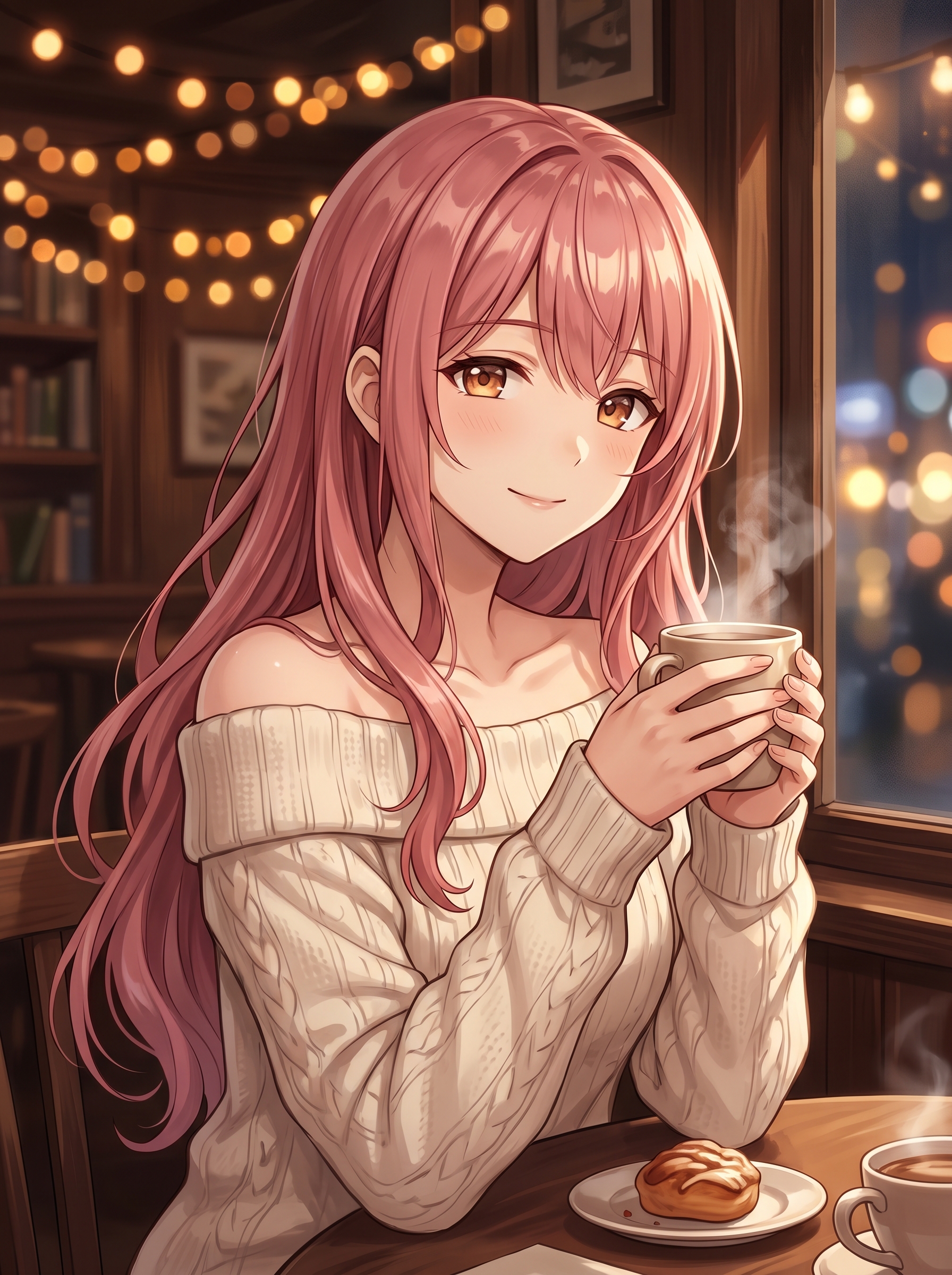
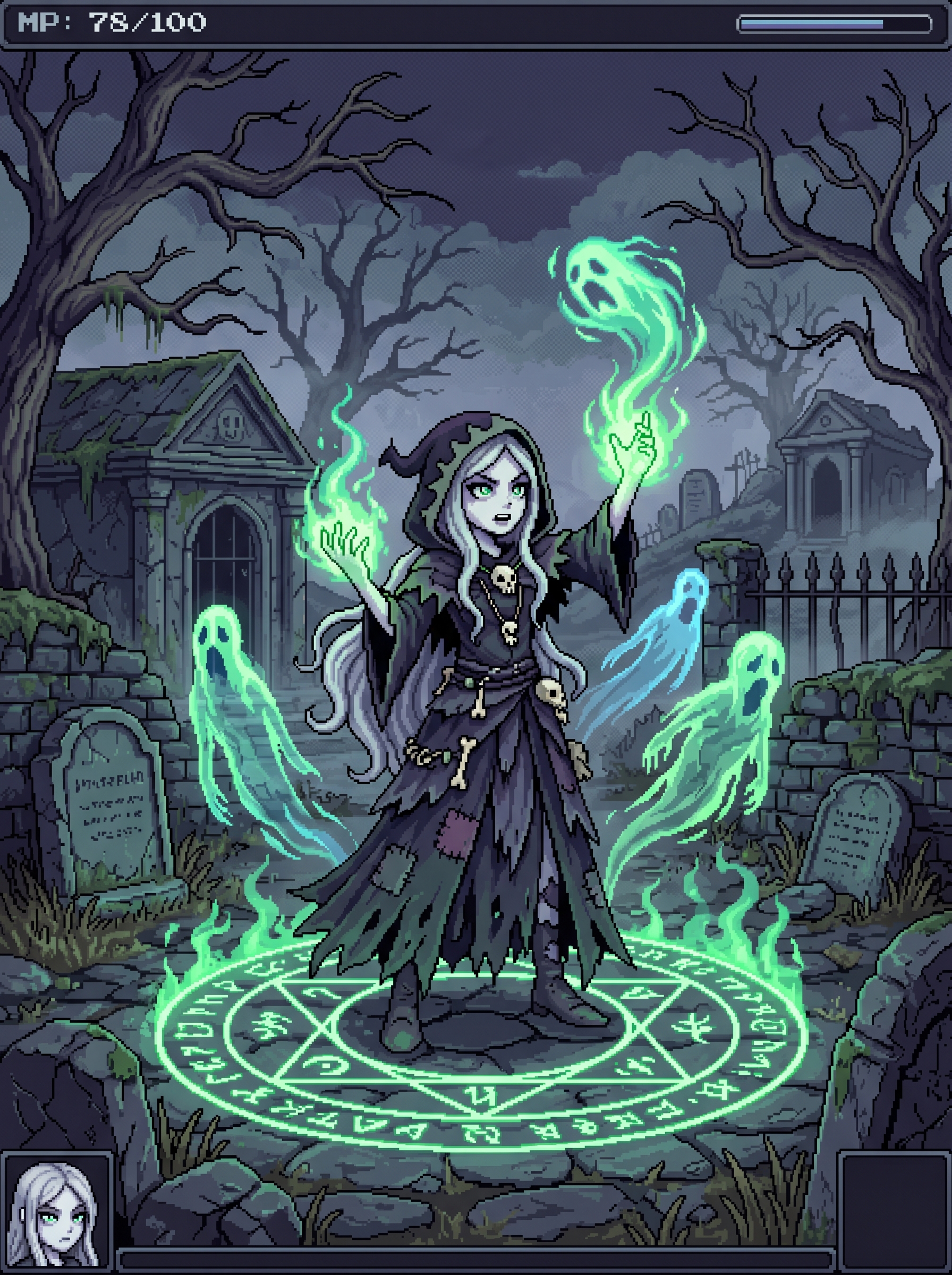
Iteration is where the value compounds. Because this free AI girl generator is fast and credits refresh, you can explore several interpretations of a concept and find what works before committing to a final direction.
What the No-Cost Tier Includes
All 8 styles, fully unlocked. No style restrictions. Anime, realistic, chibi, cyberpunk, 3D render, watercolor, sketch, and pixel art — all available without spending anything.
Text-to-image generation. The core feature is fully available at no cost. Describe any character in plain language and get a finished image in seconds.
Multiple aspect ratios. Portrait, square, and landscape formats on the no-cost tier, covering social media, profiles, game assets, and more.
Full image quality. No resolution limits or quality degradation. The output on the free tier matches what paid users receive.
Style showcases for inspiration. Browse real examples before you start. The chibi girl generator and cyberpunk girl generator galleries are useful references for new users.
The main difference between free and paid is generation volume and a few advanced features — not image quality or style range.
When to Upgrade
The no-cost tier covers most casual use. A few situations where a paid plan makes sense:
High-volume projects. If you're producing characters for games, webtoons, or commercial creative work, credit limits eventually become a bottleneck. Paid plans offer higher monthly allowances.
API access. Developers who want to integrate character generation into applications or workflows can access the GirlGenerator.app API on paid plans. Documentation is available at /api-docs.
Advanced model access. Paid plans unlock additional high-performance models beyond the core selection, giving you more creative control and output variety.
The pricing page has a full breakdown. Plans scale from hobbyists to studios — start free, upgrade only when the workflow demands it.
Frequently Asked Questions
Try GirlGenerator.app — no account, no credit card, first image in under a minute.