Creating consistent AI characters across multiple images is one of the hardest things to do in AI art — and one of the most valuable. A character people can recognize across scenes, moods, and settings is the foundation of a webcomic, visual novel, game, or brand mascot. Without that recognition, you just have a series of similar-looking strangers.
Not sure what these tools can do in the first place? Start with the explainer on what AI girl generators are, then come back here for the consistency techniques.
This is the practical guide to how to keep AI characters consistent across images. It covers four methods for achieving ai character consistency — each one progressively more reliable than the last. Use them individually or stack them for the best results.
The Consistency Problem
AI image generation is stateless. The model has no memory of previous outputs. Every generation starts from the same random noise — which means the same prompt, run twice, produces two different people.
Try it: describe "a girl with long silver hair and blue eyes" and run it five times. You'll get five different faces, five different interpretations of "silver," five different styles of blue. The prompt gives direction, but the model fills in the rest randomly each time.
This matters enormously for anything requiring consistent ai characters across a series. Comic panels. Game character variants. Visual novel sprite sets. Brand mascots you'll reuse across marketing materials. If each image looks like a different person, the project doesn't work.
The good news: there are reliable methods to significantly reduce that variance. You won't get pixel-perfect clones, but you can get same character multiple ai images that are recognizably, consistently the same person. Consistent ai characters at that level of recognizability — same face, same hair, same defining features across every scene — are absolutely achievable. That's the practical target.
Method 1: The Character Card
The character card method is the foundation of ai character consistency. It's a fixed block of text — 50 to 80 words — that precisely describes your character's identifying visual traits. You write it once, then paste it at the start of every prompt, every time. Every creator serious about consistent ai characters uses some version of this.
The reason it works: models weight earlier tokens more heavily. If your character description is the first thing the model reads, it anchors everything that follows — the scene, the pose, the lighting — to those established features.
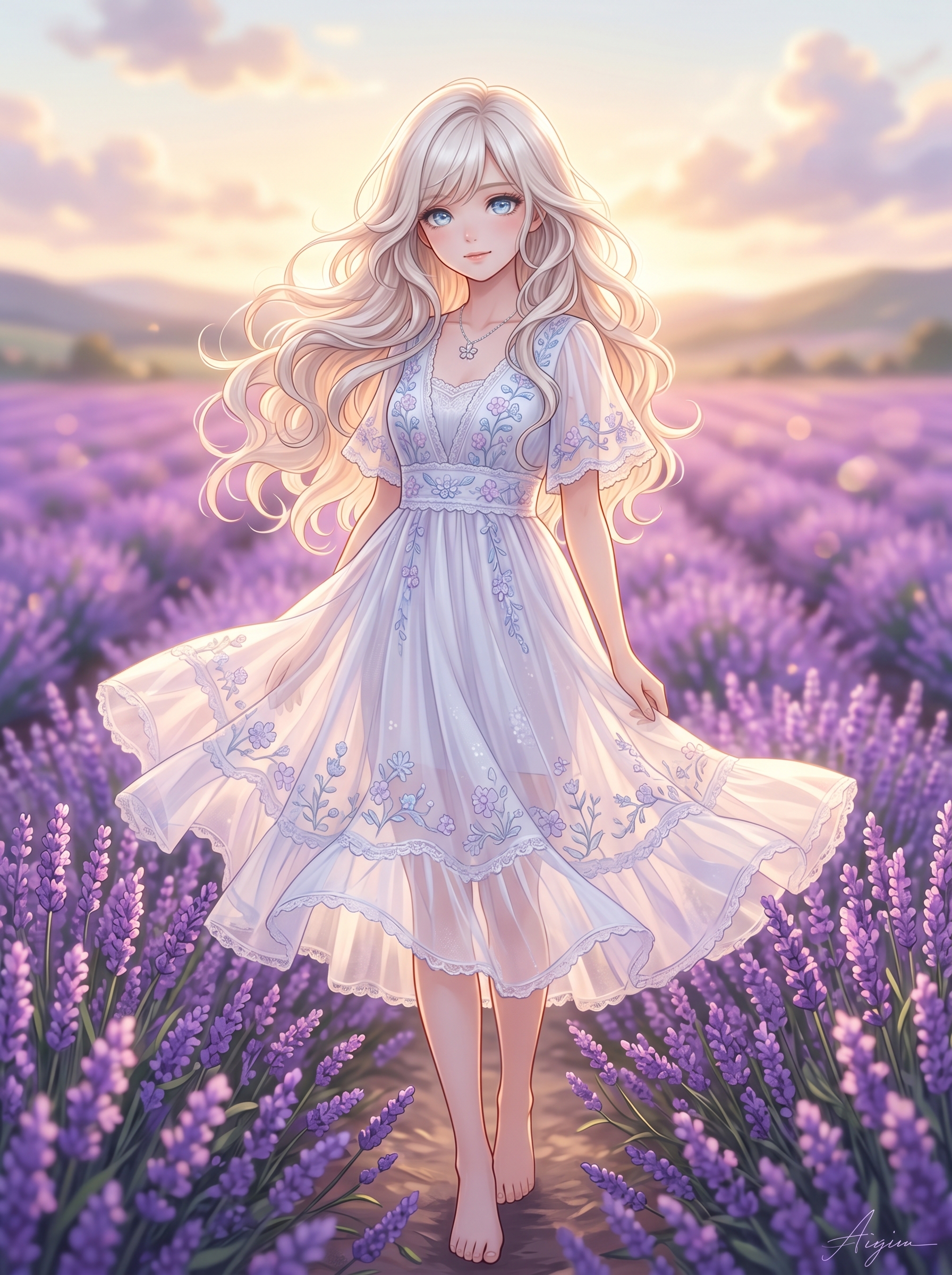
What Goes in a Character Card
A strong character card covers five elements:
- Hair — Color (specific: "indigo-black" not "dark"), length, and texture ("waist-length with natural waves," not "long hair")
- Eyes — Color, shape, and any distinctive qualities ("large almond-shaped violet eyes with long lashes")
- Signature features — The elements that make this character unmistakable: a scar, an accessory, heterochromia, a birthmark
- Body type and skin tone — Enough to anchor proportions across scenes
- Distinctive clothing or style marker — Something consistent, like a particular accessory they always wear
A Concrete Example
Here's a character card for a visual novel protagonist:
Yuki, waist-length silver hair with soft waves and two thin braids at the temples, heterochromia — left eye pale blue, right eye gold, small crescent-shaped scar on her right cheekbone, silver star earrings, slender build, light skin with faint freckles across the nose
That's 47 words. Specific enough to dramatically narrow the model's creative range.
Using the Character Card Across Prompts
Paste the card at the start of every prompt. Change only what's scene-specific.
Prompt 1 — School:
Yuki, waist-length silver hair with soft waves and two thin braids at the temples, heterochromia — left eye pale blue, right eye gold, small crescent-shaped scar on her right cheekbone, silver star earrings, slender build, light skin with faint freckles across the nose, anime style, school uniform, sitting at a desk, soft afternoon classroom light, distracted expression
Prompt 2 — Night rooftop:
Yuki, waist-length silver hair with soft waves and two thin braids at the temples, heterochromia — left eye pale blue, right eye gold, small crescent-shaped scar on her right cheekbone, silver star earrings, slender build, light skin with faint freckles across the nose, anime style, casual jacket, standing on a rooftop at night, city lights below, cool blue moonlight, thoughtful expression
Prompt 3 — Festival:
Yuki, waist-length silver hair with soft waves and two thin braids at the temples, heterochromia — left eye pale blue, right eye gold, small crescent-shaped scar on her right cheekbone, silver star earrings, slender build, light skin with faint freckles across the nose, anime style, summer yukata in pale blue, holding a sparkler, street festival, warm lantern light, happy expression
Same card. Three completely different scenes. The character stays recognizable across all three because the anchor terms are identical and positioned first. This is the character card method for consistent ai characters in practice — and it's the starting point for any ai character design consistency guide.
Method 2: Image-to-Image Anchoring
Text descriptions are powerful, but they have a ceiling. "Waist-length silver hair" still leaves hundreds of interpretations open. Image-to-image anchoring removes most of that ambiguity by giving the model a visual target instead of just a verbal one.
The workflow:
- Generate your anchor image — Use text-to-image with your character card to generate one result you're happy with. This is your anchor. Take time here — this image defines how the character looks for every subsequent generation.
- Upload it as your reference — Use image-to-image mode with the anchor as input
- Modify only scene-specific elements in the prompt — Keep the character card identical, change the setting, expression, and clothing
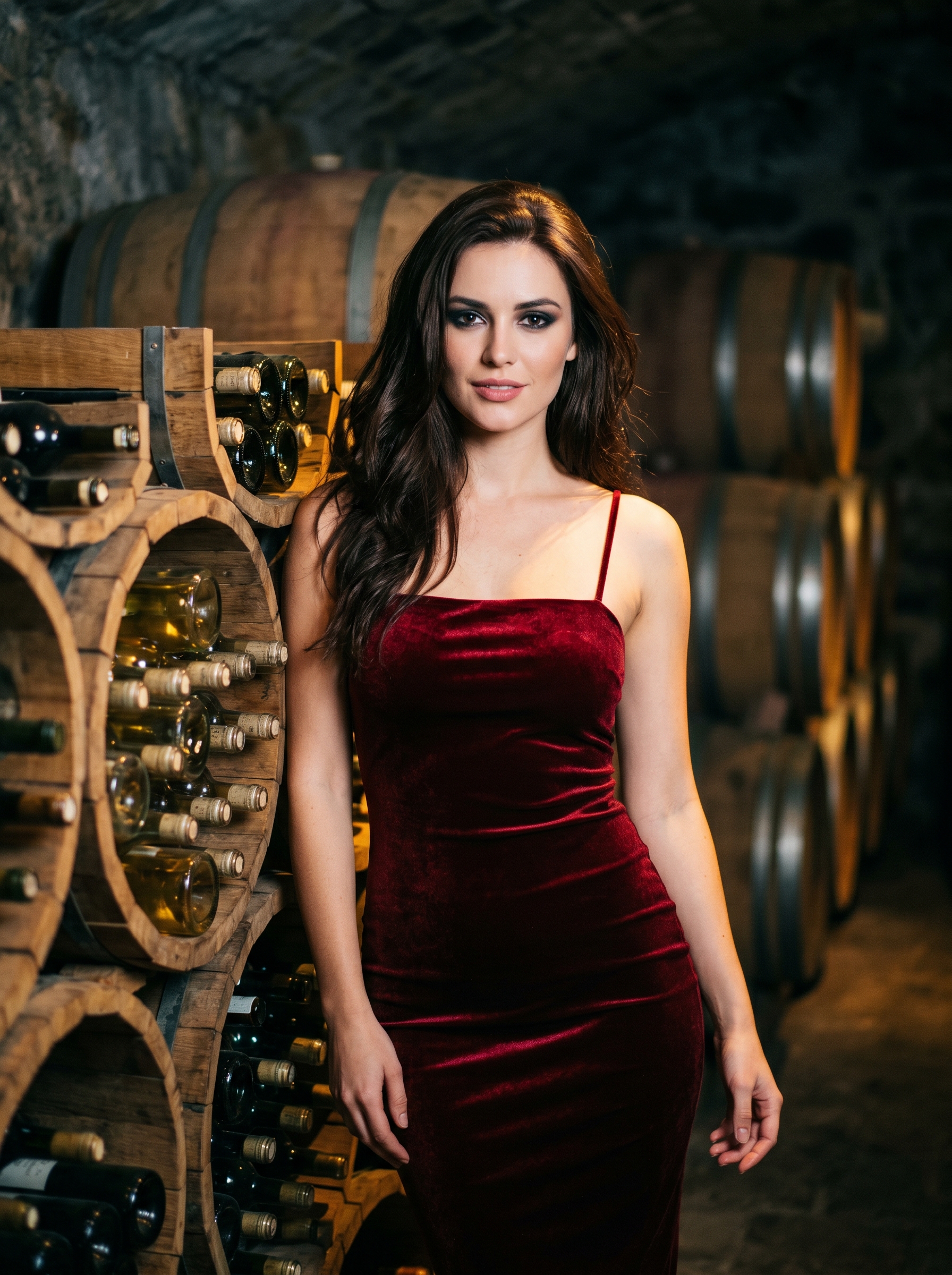
Single Edit vs Multi Fusion
GirlGenerator.app's image-to-image mode has two sub-modes. Which one you use shapes the consistency outcome.
Single Edit — You upload one reference image. The model preserves the anchor's composition, facial features, and general structure while applying your new prompt's scene and mood. This is your primary consistency tool for same character multiple ai images — it produces far tighter results than running fresh text-to-image generations.
Multi Fusion — You upload multiple reference images and the model blends them. This is useful when you want to combine facial features from one reference with the pose from another. Less predictable than Single Edit for consistency work, but valuable when you want to blend specific qualities from two different sources.
Why This Matters for Consistent AI Characters
Reference image anchoring is the single biggest jump in ai character consistency you can make. Text-only methods get you to roughly 50–60% consistency. Adding a strong anchor image via Single Edit pushes that to 75–85%. The model has a visual target instead of just a verbal one — and that difference is enormous for maintaining consistent ai characters across a series.
If you're building an ai generated character series for a comic, game, or visual novel, image-to-image anchoring is non-negotiable. It's the difference between "similar-looking characters" and "recognizably the same person."
Method 3: Prompt Architecture
How you structure your prompt matters almost as much as what's in it. Small organizational decisions significantly affect how consistently the model interprets your character. This is where ai character design consistency guide principles get technical.
Order of Terms
Models weight earlier terms more heavily. Your character description should always come first — before scene, mood, and background. The model reads left to right (roughly), so the character card leading the prompt means character features get the most weight during generation.
Wrong order:
"A girl sitting in a forest clearing at dusk, warm golden light filtering through the leaves — silver hair with soft waves, blue and gold heterochromia"
Right order:
"Yuki, silver hair with soft waves, heterochromia blue and gold eyes, crescent scar, star earrings — sitting in a forest clearing at dusk, warm golden light filtering through the leaves"
Same elements. Different weight distribution. The second produces more consistent ai characters across a series.
Avoid Internal Contradictions
This one is overlooked but significant. If your character card says "pale blue left eye" and later in the same prompt you write "bright green eyes," the model doesn't know which to honor. It averages them or picks randomly — which is not what you want for consistent ai characters.
Check every prompt for contradictions before running it. The character card method helps here: because you paste the same block every time, the description is consistent by default. Contradictions usually creep in when people write character details from memory rather than copying the card. One contradictory prompt can undo three generations of careful consistency work.
Lock Your Style Terms
Every prompt in a character series should use identical style keywords. If prompt 1 uses "anime style, cel shading, clean linework" and prompt 2 uses "anime illustration, vibrant" and prompt 3 uses "anime girl, manga aesthetic" — you'll get three subtly different interpretations of anime, which compounds the variation in character appearance.
Pick your style terms once. Lock them into the card. Never vary them across a series. This small detail has an outsized impact on producing consistent ai characters.
Method 4: Cross-Style Consistency
This is the hardest scenario for consistent ai characters: making the same character recognizable across completely different art styles. A character who looks like themselves in anime and also in realistic mode is a significant technical challenge.
Text-only cross-style consistency rarely works well. The model interprets the same description differently depending on the style — "silver hair" looks entirely different in anime versus realistic versus cyberpunk. What reads as one person in anime mode may look nothing like them in realistic mode, even with an identical prompt. For side-by-side examples, browse the anime girl generator and realistic girl generator showcases.
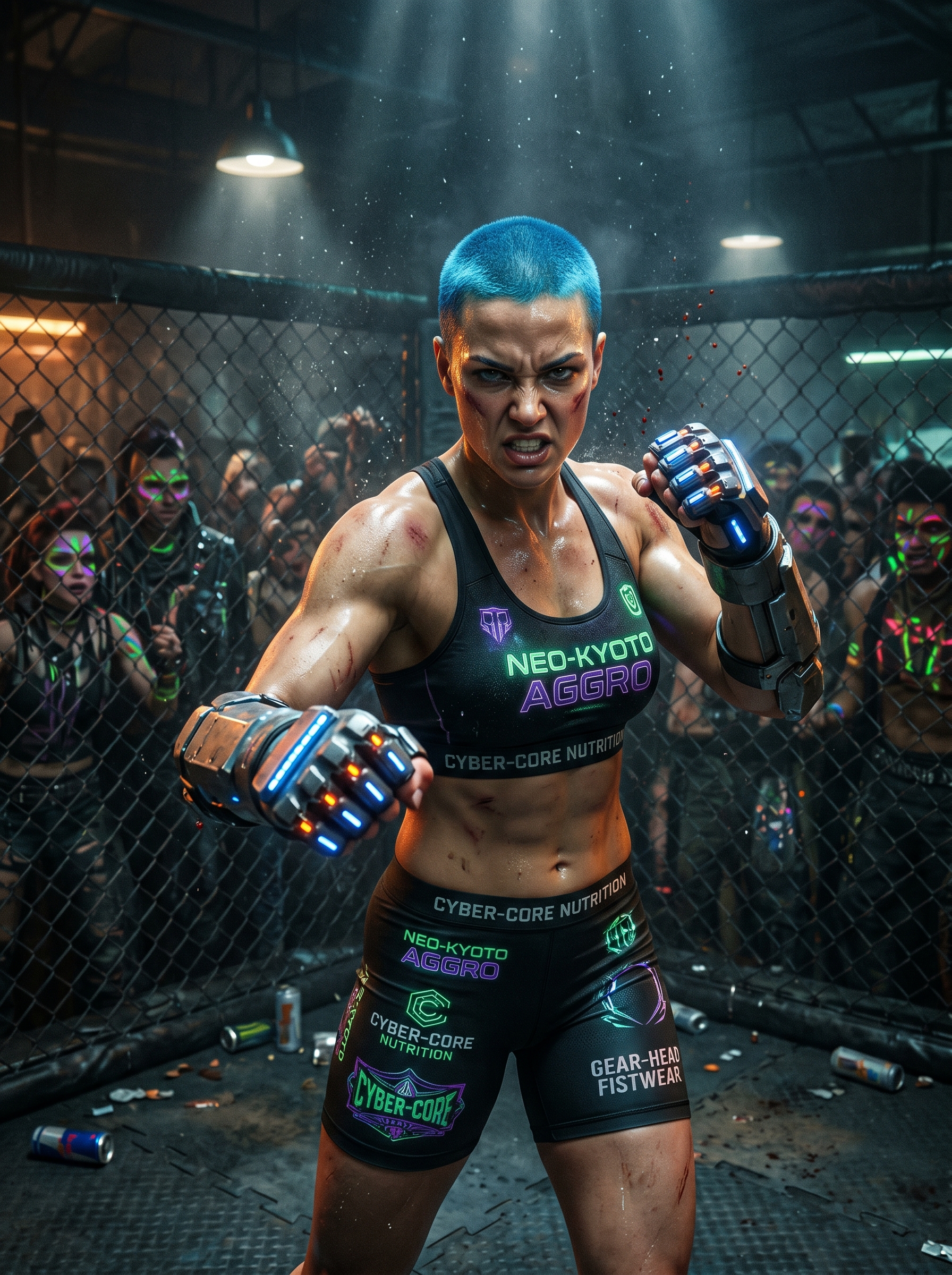
What Actually Works
Two strategies improve cross-style consistency for an ai generated character series:
Lock the most distinctive markers. Choose 1–2 features that are visually dominant and unusual enough to survive style translation. Heterochromia survives style changes better than "brown eyes." Neon-green hair survives better than "dark hair." A very distinctive accessory — a specific headpiece, an eyepatch, a characteristic scar — maintains its recognition value across styles.
Use image-to-image cross-style transfer. This is far more reliable than text-only approaches for ai art style consistency. Generate your anchor in the style you want to start from. Then upload that anchor to image-to-image mode, switch to a different style in the settings, and run the same character card prompt. The model translates the features from one style to another, using the image as a structural reference.
The expectation should be adjusted here: you won't get identical faces across styles. You'll get recognizably the same character — same hair, same dominant features, same accessories — rendered through a different visual lens. Producing same character multiple ai images across style boundaries is harder than within a single style, but image-to-image transfer gets you to a level of recognizability that works for most projects. For visual novel chapters in different art styles, or a character used across game and promotional art, that's exactly enough.
Practical Example: Building a 5-Image Character Series
Here's the complete workflow for consistent ai characters from scratch, using everything above.
Step 1: Write the Character Card
Hana, short choppy black hair with a single bleached-white streak above her left ear, sharp amber eyes with a slight upward tilt, three small silver hoop earrings on her right ear, a black fingerless glove on her left hand, compact athletic build, warm tan skin tone
62 words. Specific hair detail. Distinctive feature set. Consistent across every use.
Step 2: Generate the Anchor Image
Open GirlGenerator.app and use text-to-image mode. Paste this:
Hana, short choppy black hair with a single bleached-white streak above her left ear, sharp amber eyes with a slight upward tilt, three small silver hoop earrings on her right ear, a black fingerless glove on her left hand, compact athletic build, warm tan skin tone, anime style, cel shading, clean linework, casual street clothes, standing on a city street, overcast daylight, neutral expression, 3:4 portrait ratio
Generate until you get one result that captures the character accurately. This is your anchor — save it.
Step 3: Generate 4 Scene Variations via Image-to-Image
Upload the anchor to Single Edit mode. Strength at 0.5. Run each of these prompts:
Image 2 — Training scene:
[character card], anime style, cel shading, clean linework, athletic wear, at a rooftop training ground, intense focused expression, dramatic side lighting
Image 3 — Casual cafe:
[character card], anime style, cel shading, clean linework, casual hoodie, sitting at a cafe counter, coffee in hand, relaxed half-smile, warm interior light
Image 4 — Rainy night:
[character card], anime style, cel shading, clean linework, jacket with hood up, walking through a rainy street at night, neon reflections on wet pavement, determined expression
Image 5 — Action moment:
[character card], anime style, cel shading, clean linework, mid-run dynamic pose, urgent expression, blurred urban background, motion blur effect, dramatic angle
The result is a 5-image series with one recognizable character across completely different scenes and moods. This is what a functional ai generated character series looks like — consistent ai characters across five distinct scenes using nothing but a character card, an anchor image, and image-to-image mode. The workflow that makes webcomics, visual novels, and game character sheets achievable without manual illustration.
For more prompt structures across all 8 styles, see the 50+ prompt ideas guide. For a walkthrough of the full creation process from choosing a tool to iteration, see the step-by-step creation guide.
Frequently Asked Questions
Ready to build a consistent character? Start on GirlGenerator.app — or try the random character generator to generate a base character you can turn into a full series.