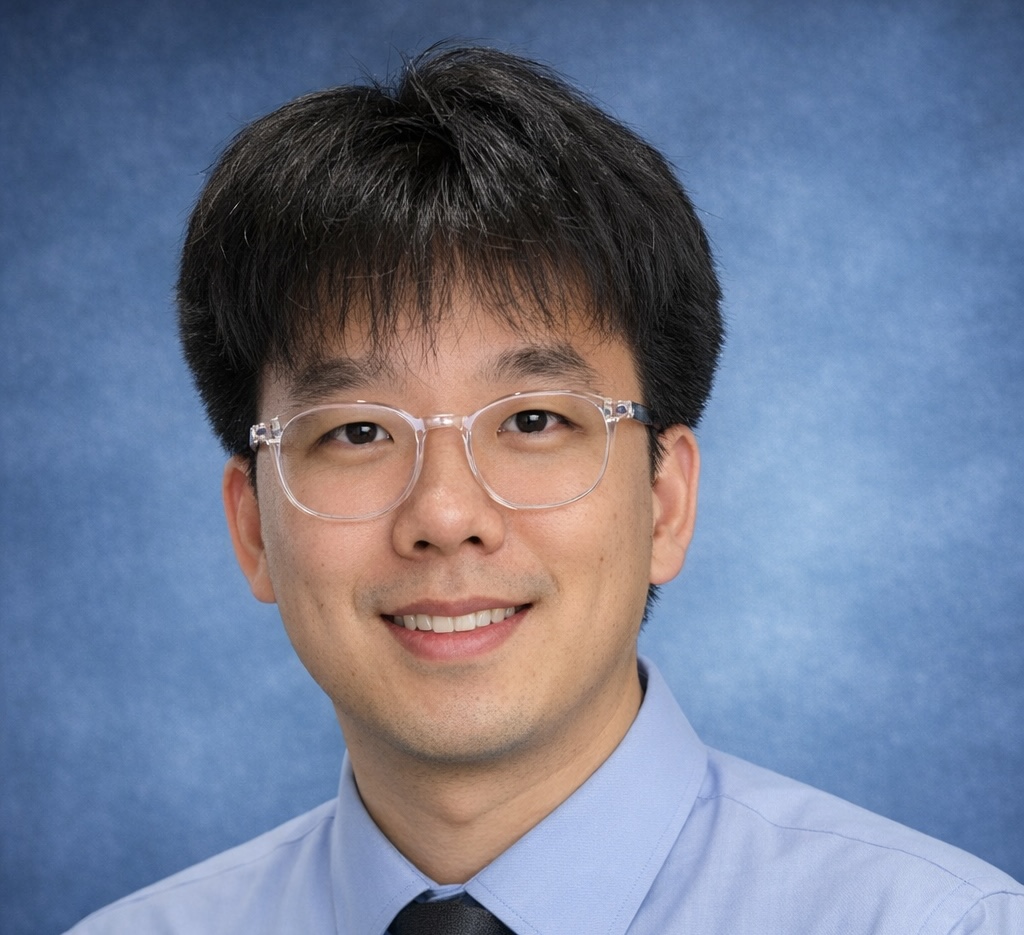
Most indie developers hit the same wall: a great game idea, zero art budget, and a six-month runway. Hiring a character artist runs $50–$150 per illustration. A full roster of characters for an RPG? That math doesn't work.
AI character art for games changes the calculation. Generate concept art in seconds, iterate through 20 directions in an afternoon, and get game-ready assets without a single invoice. This guide covers every step — style selection, practical workflow, pixel art post-processing, and the mistakes that cost developers the most time.
Not sure which art style fits your game? Jump straight to the style-to-genre breakdown below.
Why Game Developers Are Using AI Character Art
The pain point is specific. You're building an indie game — solo or with a tiny team. You can write code, design levels, and ship builds. But character art? That's either a skill you don't have or a cost you can't absorb.
Traditional options are expensive in time or money. Commission an artist and wait weeks for revisions. Learn to draw and delay your project by months. Use placeholder art and ship something that looks unfinished. None of these are good.
AI art for indie games removes that bottleneck. A single session on an AI game character generator produces dozens of explorations. Swap between an anime portrait and a pixel art sprite in seconds. Test three completely different character directions before committing to one. The iteration cycle that used to take two weeks now takes two hours.
GirlGenerator.app works as an ai girl generator for game development specifically because it combines eight distinct art styles — pixel art, anime, chibi, 3D render, and more — with text-to-image and image-to-image modes in a single tool. One platform covers the full indie game art pipeline from initial concept to refined character portrait.
The honest framing: AI isn't replacing artists for final production assets. It's an accelerator for the prototyping phase — concept exploration, placeholder art, and early builds where the design itself is still in flux. AI art for indie games shines hardest here: fast iterations with zero cost per generation, letting you validate the visual direction before committing to a single commission. Many indie studios use AI for the 80% of assets that need to exist, then commission human artists for the 20% that need to be exceptional.
Which Art Styles Work for Games?
Not every AI art style is equally useful for game asset creation. Here's an honest breakdown of which styles map well to which genres.
| Style | Best Game Genres | Typical Use |
|---|---|---|
| Pixel Art | 2D platformers, RPGs, roguelikes | Sprites, tilesets, UI icons |
| 3D Render | RPGs, adventure, simulation | Character portraits, cutscenes |
| Chibi | Casual, mobile, puzzle | Mascots, emotes, UI characters |
| Anime | Visual novels, JRPGs, gacha | Character CGs, dialogue portraits |
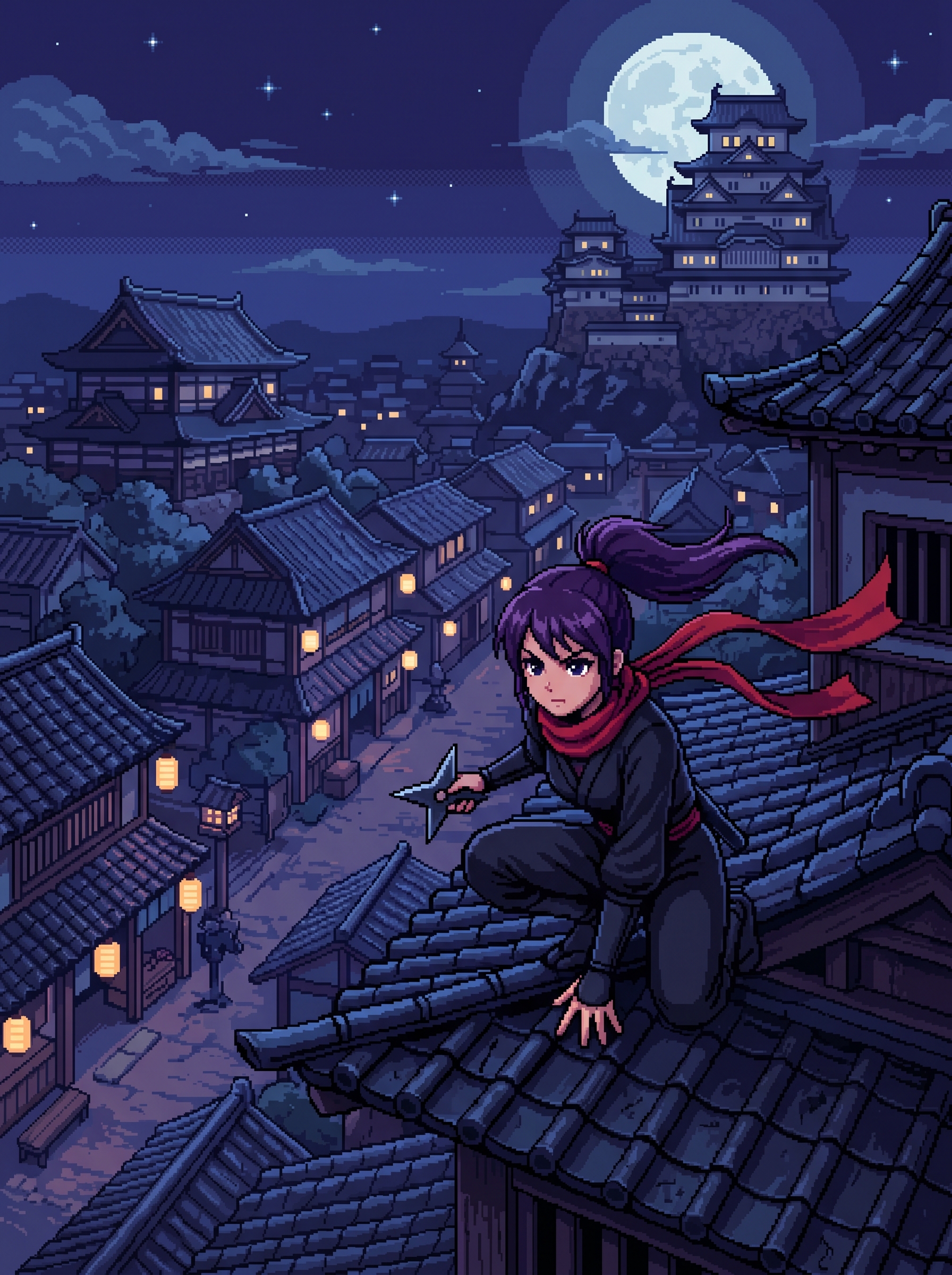
Pixel Art — Most Practical for Game Assets
Pixel art is the style where AI character art for games is most directly useful. The aesthetic maps naturally to 2D game engines. The output looks intentional — not like it's missing polish. And the post-processing pipeline is shorter than any other style.
Generate at the maximum resolution (up to 1024×1536 for registered users), downscale to your target resolution, clean up in Aseprite. That's the full workflow.
The prompt specifics matter here more than with other styles. Add "16-bit style sprite," "limited color palette," and "game-ready sprite" to your prompt and the output already looks like it belongs in a game. Add "transparent background" and you save a cleanup step.
Browse real examples at the pixel art girl generator showcase. When developers talk about ai art for indie games that actually makes it into production, pixel art sprite work is the most cited category.
3D Render — Strong for Visual Novels and RPGs
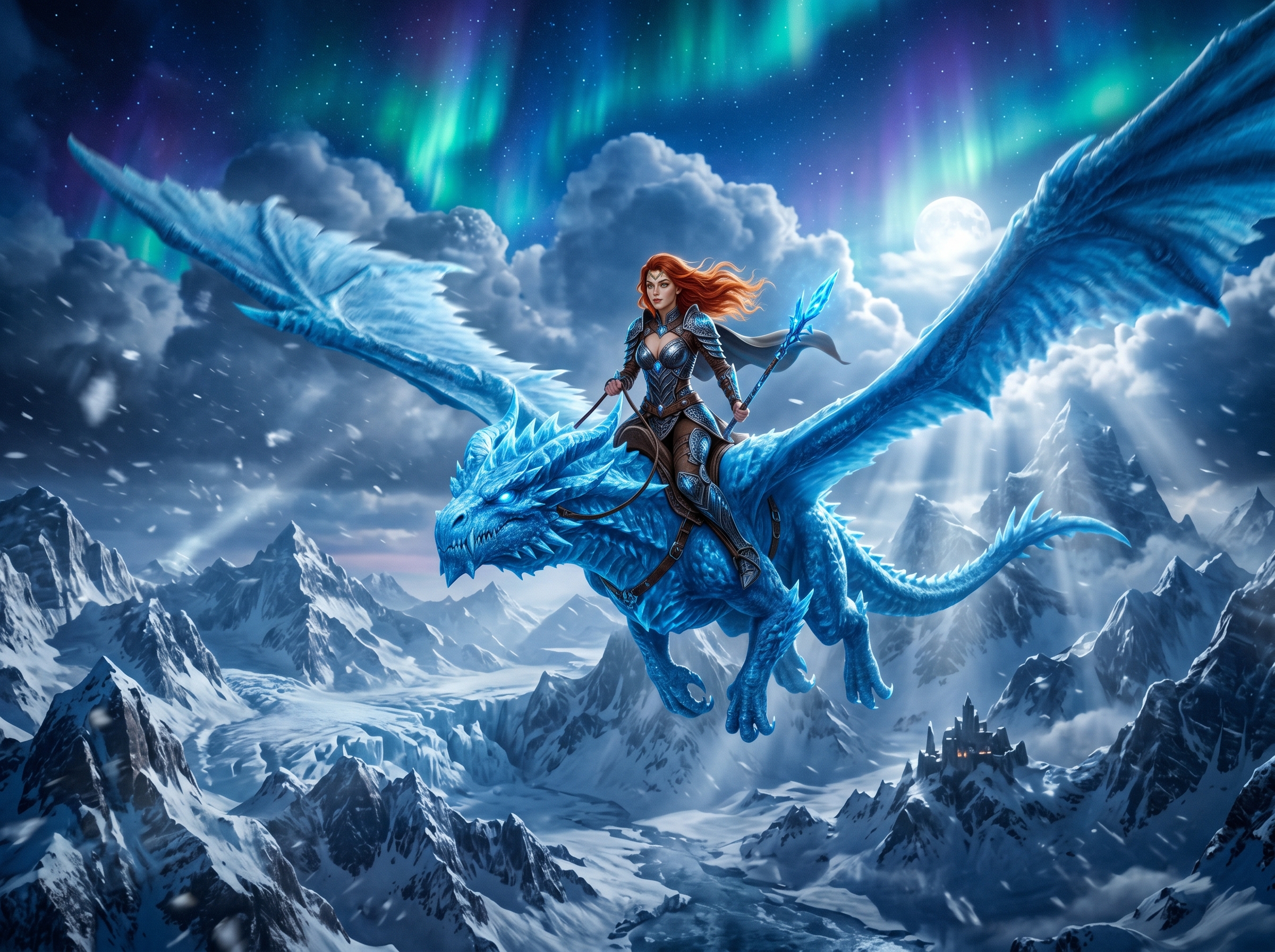
The 3D render style sits in a useful middle ground: more polished than illustration, less demanding to create than actual 3D. It works well for character select screens, cutscenes, and any context where you need a game art style with production polish.
Visual novel developers in particular get strong results here. The rendered look reads as intentional and high-quality without requiring modeling or rigging.
Anime — The Default for JRPGs and Visual Novels
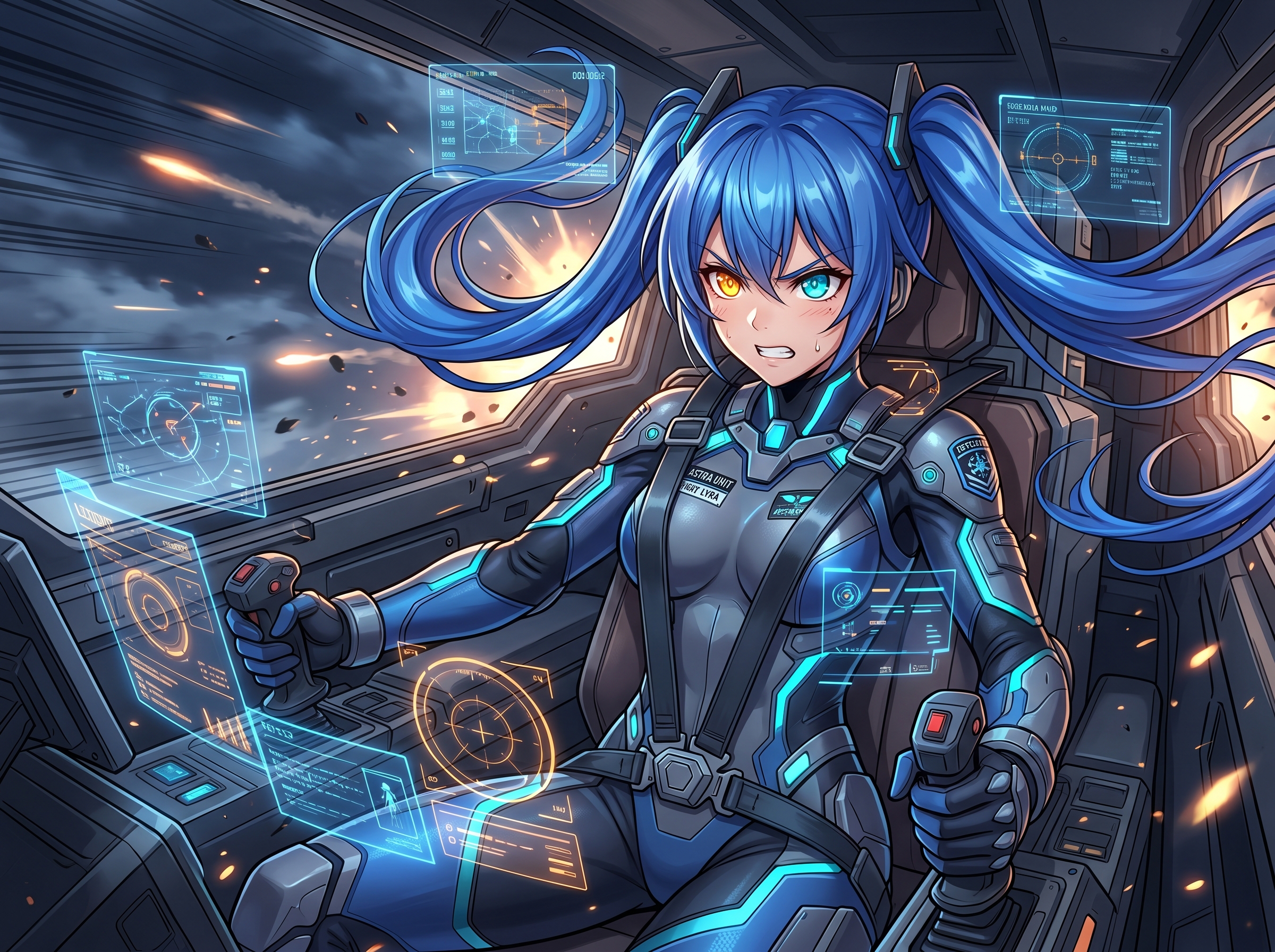
Anime is the most forgiving style across the board. It handles vague descriptions without producing uncanny results. For visual novels, JRPGs, and gacha-style games, it's the natural fit — the aesthetic matches player expectations, and dialogue portraits in anime style look exactly right.
It's also the style with the most existing reference points. Players recognize anime character art and respond to it. That recognition is a feature, not a limitation.
Chibi — Casual Games and Mascots
Chibi's exaggerated proportions — large head, rounded body, simplified features — are a direct match for casual game aesthetics. Mobile puzzle games, idle games, and anything with an emote or mascot system benefit from chibi characters.
The style is also the most tolerant of simple character descriptions. A chibi ninja comes out charming with a three-word prompt. A realistic ninja needs careful lighting and pose description to avoid looking generic.
Browse the chibi girl generator showcase for reference examples.
A Practical Workflow: Concept to Game-Ready Asset
This is the workflow that works. It's not theoretical — it's the actual process of how to use ai for game character design, from first idea to something you can import into Unity or Godot. The character concept art workflow below applies to any genre or art style.
Step 1: Write a Character Brief
Before generating anything, write a one-paragraph character document. Name, role in the game, personality, visual keywords. Something like: "Kira, a rogue thief NPC. Quick, sarcastic, distrustful. Silver hair pulled back, dark leather armor, a distinctive red scarf. She moves like she's about to leave."
This brief becomes the seed for every prompt you write. It prevents drift — the tendency for a character to look like a completely different person across 20 generations.
Step 2: Rapid Concept Exploration
Use text-to-image mode and generate 10–20 directions fast. Don't aim for the perfect image — aim for variety. Change the hair style, the outfit color, the pose. The goal is to discover which visual direction actually fits the character you imagined.
An AI game character generator makes this exploration cost nearly nothing in time. Treat these generations as sketches, not finals.
For prompt templates covering fantasy, sci-fi, and RPG character types, the 50+ prompt templates guide has ready-to-copy starting points.
Step 3: Lock the Direction
Pick 1–2 generations you want to develop. These are your anchor images. They define the character's look — the specific hair color, the exact outfit, the face shape you want to keep.
At this point you have a character direction, not a finished asset. That's the right outcome for Step 3.
Step 4: Refine with Image-to-Image
Take your anchor image and run it through image-to-image mode. This is where ai character art for games gets serious.
Img2img mode preserves your character's established features while letting you adjust the prompt for different variations — a combat pose, a portrait with a different expression, a version without the background. The character stays recognizable because the reference image anchors the generation.
This is the primary technique for maintaining consistency. The character consistency guide covers this in full detail, including how to structure the character card and strength slider settings.
Step 5: Export and Integrate
Download your finalized images at full resolution — up to 1024×1536 for registered users. For pixel art, move to the post-processing pipeline described in the next section. For 3D render and anime dialogue portraits, you may be able to import directly after background removal.
For a full walkthrough of the generation process itself, see the step-by-step creation guide.
Pixel Art Workflow Deep Dive
Pixel art is the most practical AI style for game assets, so it earns its own section.
The output from an AI game character generator in pixel art mode isn't a sprite sheet — it's a high-resolution image that looks like pixel art. Your job is the post-processing pipeline that turns that into a game-ready asset.
Prompting for Pixel Art Game Assets
These prompt additions consistently improve the output:
"16-bit style sprite"— signals the aesthetic target"limited color palette of 16 colors"— produces cleaner downscaling"game-ready sprite"— models understand this context and produce relevant output"transparent background"— saves a cleanup step in post"full body, character facing forward"— gets you a standing sprite suitable for a sprite sheet
A complete example: "female ninja character, 16-bit pixel art style, limited color palette of 16 colors, red scarf, dark armor, full body standing pose, transparent background, game-ready sprite"
For more pixel art prompt examples, see the pixel art section in the AI girl generator prompts guide.
The Post-Processing Pipeline
The pipeline has three steps:
1. Downscale. Take your 1024px AI output and downscale to your target sprite size. For a 64×64 sprite, that's a 16x reduction. Use nearest-neighbor interpolation — this preserves the pixel edges instead of blurring them.
2. Clean up. Open in Aseprite or Piskel. Remove anti-aliasing artifacts that survived downscaling. Enforce your palette — if you specified 16 colors, manually correct any pixels that drifted. Tighten the outline if needed.
3. Export as sprite sheet. Arrange multiple poses or animation frames in a sprite sheet format. Standard sizing: 64×64 for small sprites, 128×128 for detailed characters. Export as PNG with transparency preserved.
The total time from AI output to game-ready pixel art sprite sheet: 15–30 minutes per character once you have the workflow down. This is compared to days of hand-drawing or weeks waiting on a commissioned artist.
For reference, the ai generated character sprites for indie games you see on GirlGenerator.app go through this exact pipeline before being used in real projects.
Common Pitfalls and How to Avoid Them
Consistency Problem
This is the number one issue with ai character art for games: the same character looks noticeably different from generation to generation. Hair changes shade. Face shape shifts. The outfit gains or loses details.
The fix is two-part. First, write a detailed character card — every fixed attribute described in specific terms. Not "silver hair" but "bright silver hair pulled into a high ponytail with loose strands framing the face." Second, always use img2img with your strongest generation as the reference anchor. This pins the character's established look while allowing prompt-driven variations.
The character consistency guide covers this in depth.
Resolution Mismatch
AI outputs at up to 1024×1536. Your sprite target might be 64×64. If you downscale wrong — bilinear or bicubic instead of nearest-neighbor — you get blurry, anti-aliased edges that look wrong in a pixel art game.
Always use nearest-neighbor interpolation for pixel art downscaling. In Aseprite, this is the default resize algorithm. In Photoshop, set it manually in Image Size settings.
Licensing for Commercial Games
Some platforms restrict free-tier output to personal use — always check. GirlGenerator.app grants commercial rights on all tiers, so even free-tier images can ship in a commercial game. But if you need volume for a full roster, a paid plan removes the credit limit. This is the one thing developers using any ai girl generator for game development need to verify before launch. Check the AI art commercial use guide for a full breakdown.
See the pricing page for plan specifics.
Over-Reliance on Raw Output
AI is excellent for prototyping. The raw output may not be sufficient for final assets without human refinement. Pixel art almost always needs cleanup. Portraits might have hand artifacts or minor facial asymmetries.
The right mindset: AI does the heavy lifting on exploration and initial execution. A human artist — even a hobbyist with basic skills — handles the 10% of cleanup that makes a good image into a polished game asset.
Frequently Asked Questions
Start building your game's character roster on GirlGenerator.app — free credits, no account needed, and the pixel art showcase is the fastest way to see what game-ready output actually looks like.